
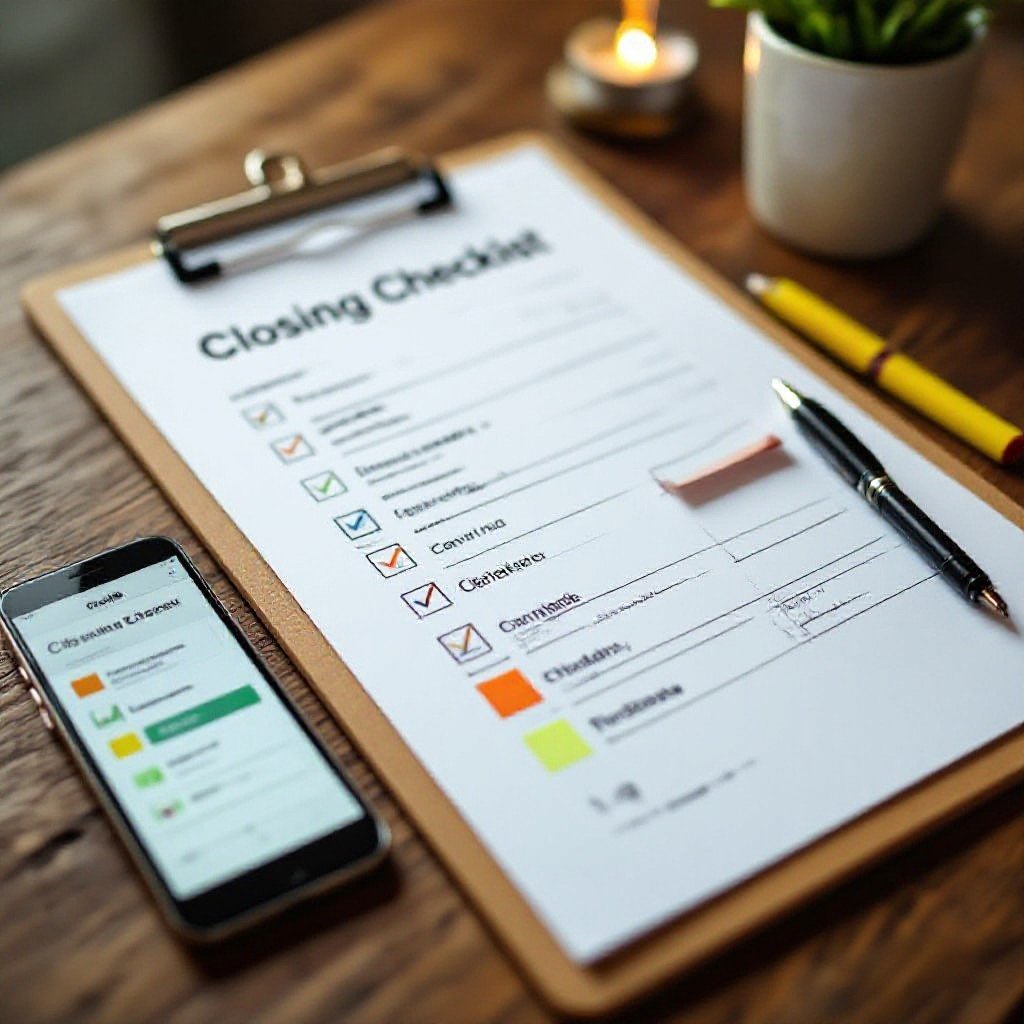
It’s like the night-shift manager scribbling tasks on a post-it – you design a checklist people will follow by keeping items tiny, assigning owners, testing during real shifts, and tweaking fast. Want it used? Make it simple and obvious.
Key Takeaways:
- Want people to actually use it? Make it tiny and action-focused: list only things that must be done before close, one-liners, checkboxes, no paragraphs. If it takes longer than 30 seconds, it’s too long.
- How does it fit into their day? Design the checklist to sit where work happens – in the system they already use or printed at the point of close. Trigger it automatically when a closing event starts so it’s not another tab to open.
- Who owns each item? Assign clear ownership and single-line acceptance criteria so people know when something’s done. Make the consequence obvious – if a step’s skipped, show what breaks.
- Want people to trust it? Keep language plain, use examples and default answers, and remove vague tasks like “confirm everything”. Update the list from real close problems, not theory.
- How do you keep it alive? Build quick feedback loops: short post-close notes, a weekly review, and track completion plus why items were missed. Iterate fast – small tweaks beat big rewrites.
Why do most checklists just sit there collecting dust?
Many think a checklist must list every tiny detail to be reliable, so you build a monster list that scares people off. You end up with a paperweight, not a tool-short, actionable cues actually get used.
The “too much info” trap that kills productivity
You might assume more items mean fewer mistakes, but overload makes you skim and skip; that kills adoption. Keep each line to what someone needs in the moment, not a diary of every possible thing.
If it feels like homework, honestly, nobody’s gonna do it
People often add textbook-level instructions thinking that’ll force compliance, and you just resent it – who wants school during a shift? Make actions quick, clear, and doable so you’ll actually follow them.
Because you assume extra detail prevents errors, you drown the list in prose and checks nobody reads. Ask yourself: would you rather scan a one-line cue and act, or slog through paragraphs between tasks? Make the checklist feel like help, not homework.
If it feels like homework, people won’t pick it up.
My take on keeping things stupidly simple
You want a checklist people actually use, because a tiny, clear list beats a long, ignored one every time, with less hassle and fewer last-minute messes. Keep items actionable and phrased as commands so each step takes seconds, not minutes.
Strip it down to the stuff that actually matters
Start with checks that stop the biggest losses or delays, so you cut noise and get a list people run through even on the worst nights. Phrase each line as a single action and keep it scannable.
Why “less is more” isn’t just a cliché here
Plain truth: shorter lists slash decision fatigue, so your team closes faster and slips up less. It’s not about looking neat, it’s about doing the job without extra thinking.
Because you hate rework and midnight fixes, trim checks to those that prevent real pain. Ask: which step saves time or stops repeat fixes? If it doesn’t do that, cut it. Write clear commands, use checkboxes, test with a new hire, watch who skips what, and tweak fast.
How do you build a flow that doesn’t suck?
Last week you stayed late and cursed a chaotic close; a clear, minimal flow would’ve shaved thirty minutes off. Design steps around what actually moves the dial, keep choices few, and make the next action obvious so people actually follow it.
Start with the big wins and work backwards
Imagine you end the day with the one number that matters done – sales reconciled. Tackle that first in your checklist, then sequence supporting steps backwards so each action prepares the next; people follow logic, not laundry lists.
Making sure the steps follow a natural path
When you hand a new hire a checklist that jumps around, they freeze. Order tasks by proximity and tools used, so transitions feel natural; that way people move through steps without stopping to think.
Once you watched a closer wander between POS, safe, and the office, wasting time and dropping tasks, you knew the order was wrong. Group steps by location and tool, bundle tiny micro-tasks into single actions so people don’t skip half a thing, and show a clear expected result for each step – like “till balanced” or “lights off”. Want fewer mistakes? Make the next move so obvious they barely have to think, and you’ll see adoption rise fast.
Seriously, who’s actually in charge of this thing?
Last night you stayed late because no one signed off the close; you saw fuzzy ownership stall the whole shift. Name one owner for the checklist, show that name where everyone sees it, and expect a brief sign-off, no committees, just one person who takes it across the line.
Giving your team a reason to care about the finish line
Once you tied the close checklist to quicker mornings and better tips, people started showing up for it; you can give reason without bribing. Explain what a good close saves, track results, and celebrate small wins so the finish line matters.
Why shared responsibility usually means no responsibility
When tasks live in ‘everyone’s’ inbox they usually become nobody’s; you’ve felt that scramble. Assign a single owner per task, keep entries scannable, and require initials or a timestamp so you actually close things instead of passing blame.
That time you watched five people shrug while a midnight task lingered shows the danger: diffuse ownership kills urgency. You should rotate the signoff role, but always list one name per line and a one-line confirmation. People will gripe about fairness, sure, but a simple rule – name it, initial it, time it – stops group-blame and gets closes done.
The real deal about picking the right tools
What if the best tool is simply the one your team will actually open? You want something quick, clear, and annoyingly simple – so it becomes habit, not a project. Pick fit over flash; if it slows people down, it won’t last.
Don’t overcomplicate it with fancy software you don’t need
Could chasing every shiny feature be why your checklist gathers dust? You don’t need bells and whistles; you need clarity and speed. Keep it lean, use what people already know, and stop building workflows that nobody will follow.
Why a simple doc often beats a complex project manager
Do you want something visible at a glance at closing time? A simple doc is easy to open, edit, and share – no training, no logins, no mystery. If it answers the night’s questions fast, people will actually use it.
How does that work in practice? You drop a plain doc in a shared folder or pin it in chat, people edit in place, paste photos, and copy sections for handoffs – no tickets or queues. It survives staff turnover because it’s readable and flexible, and you tweak rows, not rebuild processes. It’s not a cure-all for messy schedules, but for nightly closes it wins because it gets used, plain and simple.
What’s the plan when things inevitably change?
Last month your CFO moved the deadline and your checklist didn’t – that stung. You need a clear fallback and a simple reference, like this Month-End Close Process: Checklist, Best Practices, and …, so you can adapt without chaos.
Treating your checklist like a living thing, not a stone tablet
One week you updated a step after a hiccup and suddenly the close flowed smoother; you should treat the checklist as something you’ll edit often, not lock in forever. Make small tweaks, note why you changed things, and let it breathe a bit so it stays practical.
Checking in to see what’s working and what’s just noise
At your last retrospective someone flagged a step nobody did anymore; you should prune those items fast. Use quick polls and simple time checks so the list doesn’t turn into busywork and everyone actually follows it.
You might’ve kept a task because “that’s how we’ve always done it”, but timing it for a week will show if it’s adding value or just filling space. Ask the team direct questions – does this save time or create rework? Track owner, frequency, and time spent, then cut, combine, or automate the offenders so the close gets faster and less painful.
Summing up
Now you sprinted for a train and forgot the handover – that’s what a bad close checklist does. Keep items focused, short, assign owners, test it in real shifts, and trim anything no one uses. Want people to actually use it? Make it painless, obvious, and tied to outcomes they care about.
FAQ
Q: How do I keep a close checklist short and actually useful?
A: The first time we tried a 14-item close list at the taco truck it sat in the binder untouched because nobody had time to read it – that was embarrassing. I watched one guy skim, shrug, then stack the binder on the fryer and call it a night, so we cut the list down and kept the stuff that stops the store from burning down or the next morning from being a disaster.
Pick three to eight must-do items and put them at the top. Use single-action verbs – “lock freezer”, “count till”, “turn off prep lights” – short, clear, no fluff, no subclauses, no managerial prose.
Group optional or weekly tasks into a separate section so the nightly team isn’t staring at a wall of things they never do.
Make the top section the whole point: do this every close, every night.
Q: How do I get staff to actually use the checklist instead of ignoring it?
A: At one cafe the manager laminated a checklist and stuck it on the wall, thinking that would fix everything – it didn’t. Staff treated it like a poster and joked about it until someone changed the approach and started asking baristas what annoyed them most about closes.
Involve the team in making the list. Let them suggest items, test wording, and change the order. When people have a hand in creating something, they’re way more likely to use it.
Assign ownership: a rotating closer signs it off and files it. Make following it normal, not punitive – praise good closes, fix problems with coaching not blame.
Team ownership wins more than threats every time.
Q: How should I design a checklist for different roles or shifts?
A: I once worked with a bakery that had bakers, front-of-house, and a closer who did everything – the result was duplicated work and missed items. We split the list into role-specific sections and suddenly the morning smelled better and nothing got double-checked or skipped.
Create short sections labeled by role – “Baker”, “Closer”, “FOH” – and keep shared items in a handoff section. Use checkboxes so each person can see what’s done and what’s left at a glance.
Limit each role’s items to only what they truly need to handle and add a tiny handoff note area so the next shift knows what to expect.
Give each role only what they need.
Q: Should I use paper or a digital checklist, and how do I choose a tool people will actually use?
A: We moved from a whiteboard to an app at a small bar and engagement actually dropped – people didn’t want to open another login at midnight. The tool matters less than how simple it is to use when you’re already tired.
Pick the simplest option that matches your team’s tech comfort: laminated paper with a pen for tiny teams, a shared spreadsheet for small multi-locations, or a lightweight app with offline support for bigger operations. Keep the content identical so switching doesn’t confuse folks.
Make sure the tool doesn’t add steps – no long logins, no extra clicks – and test it for a few weeks before rolling it out wide.
Pick the simplest tool that people will actually open.
Q: How do I know if the checklist is working and how often should I change it?
A: After we tightened a hotel’s close checklist we started getting fewer guest complaints in the morning, but I didn’t know which change fixed it until we tracked a few things. We kept a short audit log and asked the morning crew what they noticed for two weeks.
Track one or two measures like morning issues, prep time, or missed items and run brief weekly check-ins for a month. Ask the team what’s annoying and what helps, then test one change at a time so you can see the impact.
Keep iterations small and quick – tweak wording, move an item up or down, try a different owner – then watch the results and repeat.
Test one change at a time.